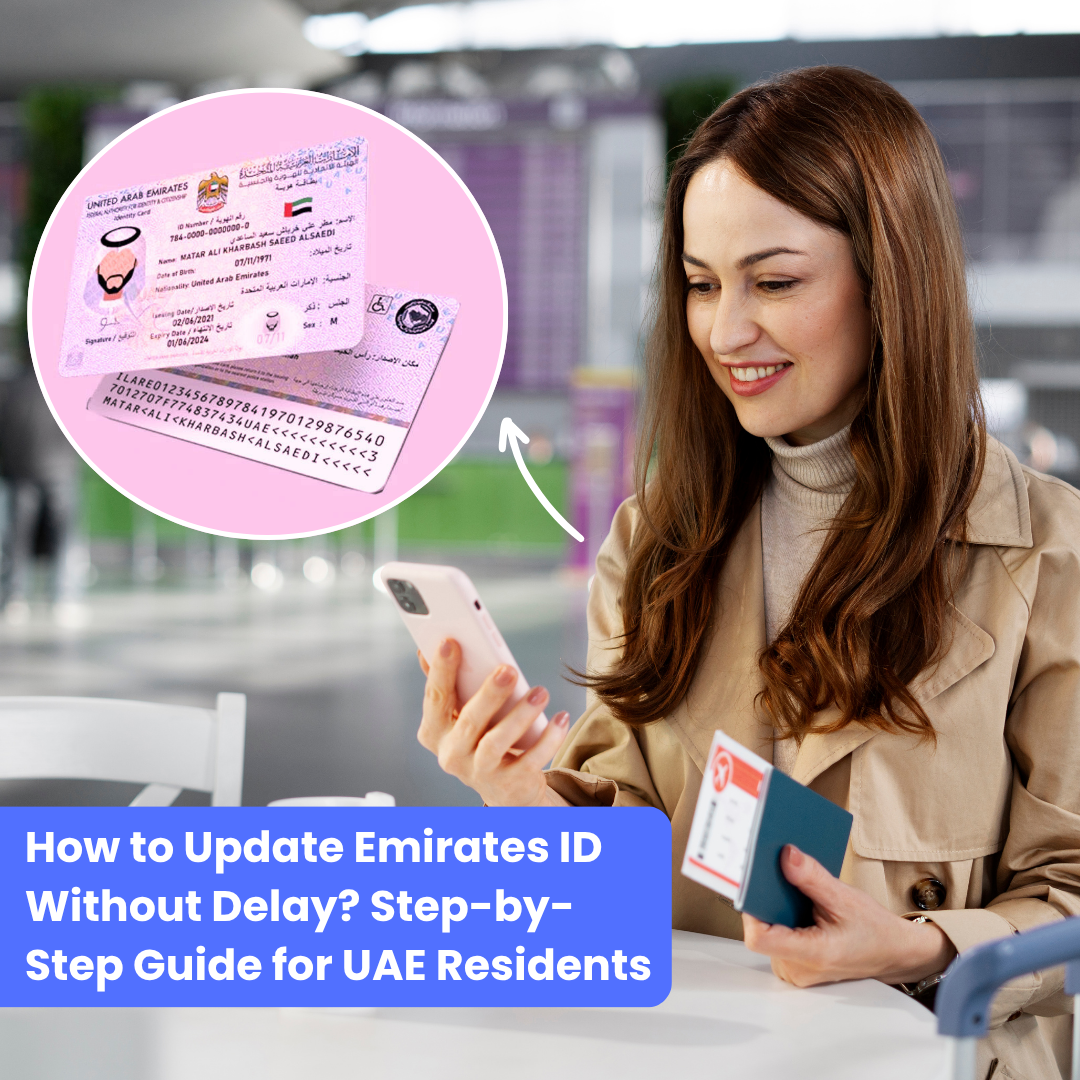
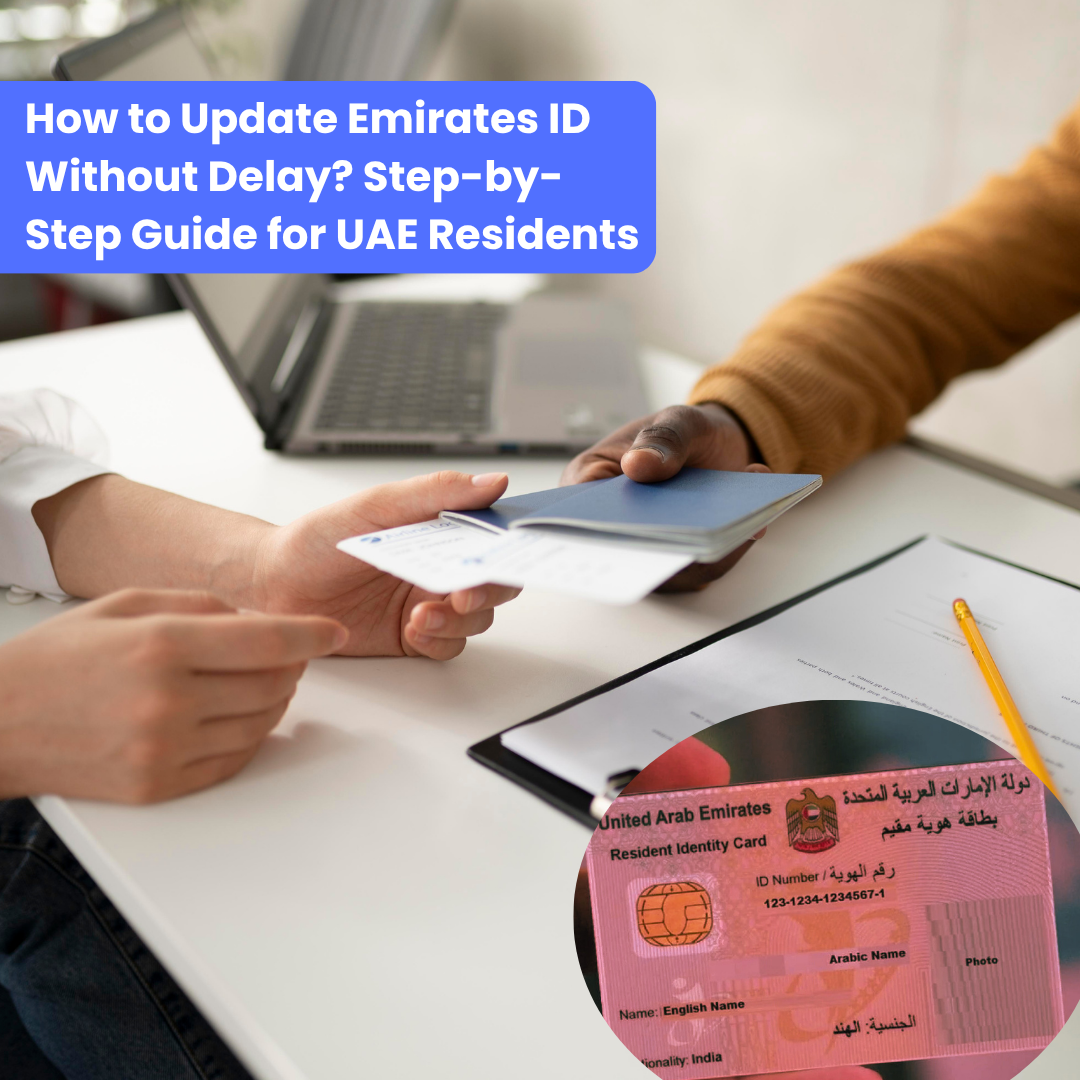
You changed your job, renewed your passport, or moved to a new address, but your Emirates ID still shows the old details. It seems minor until something stops working. A bank request gets delayed, a medical claim takes longer, or a visa process hits an unexpected pause. So the real question is, are you sure your ID is keeping up with your life? Understanding how to update Emirates ID is not just a formality; it is what keeps your daily essentials running without friction.
Think of your Emirates ID as your identity passport within the UAE system. If it is outdated, everything around it slows down, just like without the right health insurance, your treatment slows down. The good part is that updating it is far simpler than most people expect. With the right steps, you can fix it quickly and avoid unnecessary delays.
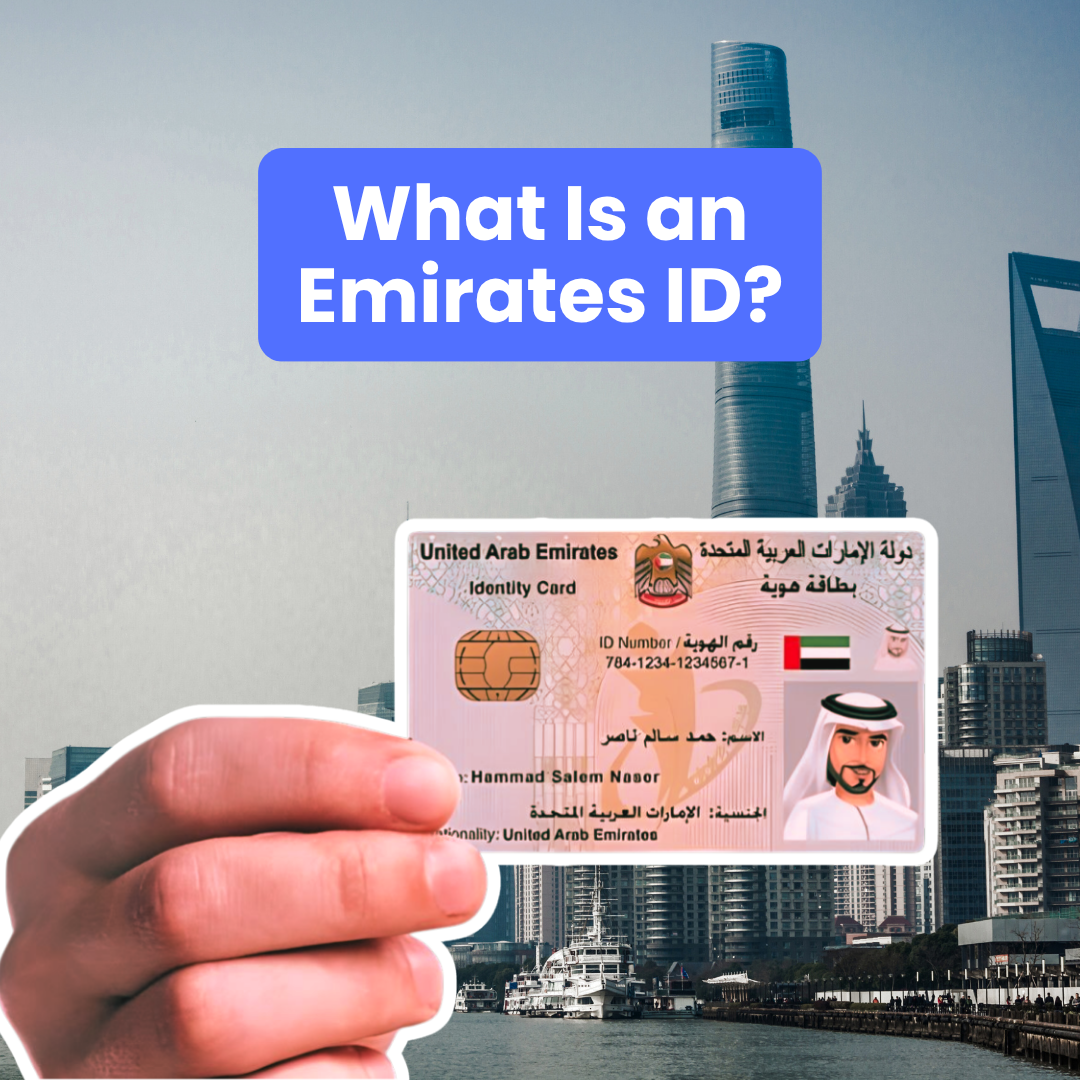
What Is an Emirates ID?
Your Emirates ID is not just a card you carry; it is the one document that connects you to almost every essential service in the UAE. Much like car insurance that keeps you covered when something unexpected comes between you and your journey, your Emirates ID ensures nothing slows you down when you need access to banking, healthcare, or official services. When your details are accurate, everything moves smoothly without interruptions.
What Exactly is an Emirates ID?
The Emirates ID is a government-issued identity card given to every UAE resident and citizen. It holds your key details, such as your name, photo, date of birth, nationality, and biometric data, all linked to a unique identification number.
Uses of Emirates ID
You may not notice it daily, but your Emirates ID is used almost everywhere:
- Government services: visa updates, official records, approvals
- Healthcare: hospital registration, medical insurance processing
- Banking: account opening, KYC updates, transactions
- Insurance claims: verifying identity for approvals and settlements
For example, if your passport has changed but your Emirates ID still shows old details, your bank or any trusted insurance broker may pause your request until everything matches.
Why Keeping it Updated is Crucial
When your details are outdated, systems don’t align. This leads to delays, repeated submissions, or even rejected applications.
Updating your ID helps you:
- Avoid unnecessary service delays.
- Prevent rejection due to mismatched records.
- Keep your legal and official data accurate.
This is especially important for working professionals and families managing multiple documents at once.
Now that you know why accuracy matters, the next step is understanding what exactly you can update on your Emirates ID and when you should do it.
What Details Can You Update on the Emirates ID?
Once you understand the importance, the next question is clear: what exactly can you update? The good part is that the UAE’s ICP service allows you to update key details without unnecessary complications, as long as you follow the correct process.
Updates Allowed Through ICP Services
The ICP system focuses on the most commonly changing details in a resident’s life. These updates help keep your records aligned with your current situation, especially for work, travel, and legal verification.
1. Professional Designation
If you have changed your job, received a promotion, or moved into a new role, your professional title needs to reflect that.
- Keeps your employment records accurate.
- Matches your visa and company details.
- Avoids a mismatch during official checks.
For working professionals and HR teams, this update is essential to maintain consistency across documents.
2. Passport Details
Passport updates are one of the most common reasons people search for how to update Emirates ID.
- Applies when you renew your passport.
- Covers changes in passport number or expiry date.
- Ensures your identity matches across systems.
Even a small mismatch here can delay banking, travel-related services, or insurance verification.
3. Nationality
If your citizenship status changes, you must update your nationality on your Emirates ID.
- Keeps your legal identity accurate.
- Aligns with immigration and residency records.
- Required for official documentation.
This update becomes important for long-term residency and legal clarity.
Important Note You Should Not Miss
Some personal details cannot be updated online. For changes like:
- Name
- Date of birth
- Gender
You will need to visit an ICP service centre in person. This step ensures proper verification before making sensitive changes.
Quick Expert Tip
Before starting any update:
- Check which category your change falls under.
- Keep supporting documents ready.
- Make sure all details match your official records.
Now that you know what you can update, the next step is understanding how to update Emirates ID using different methods and which option works best for your situation.
Methods to Update Emirates ID
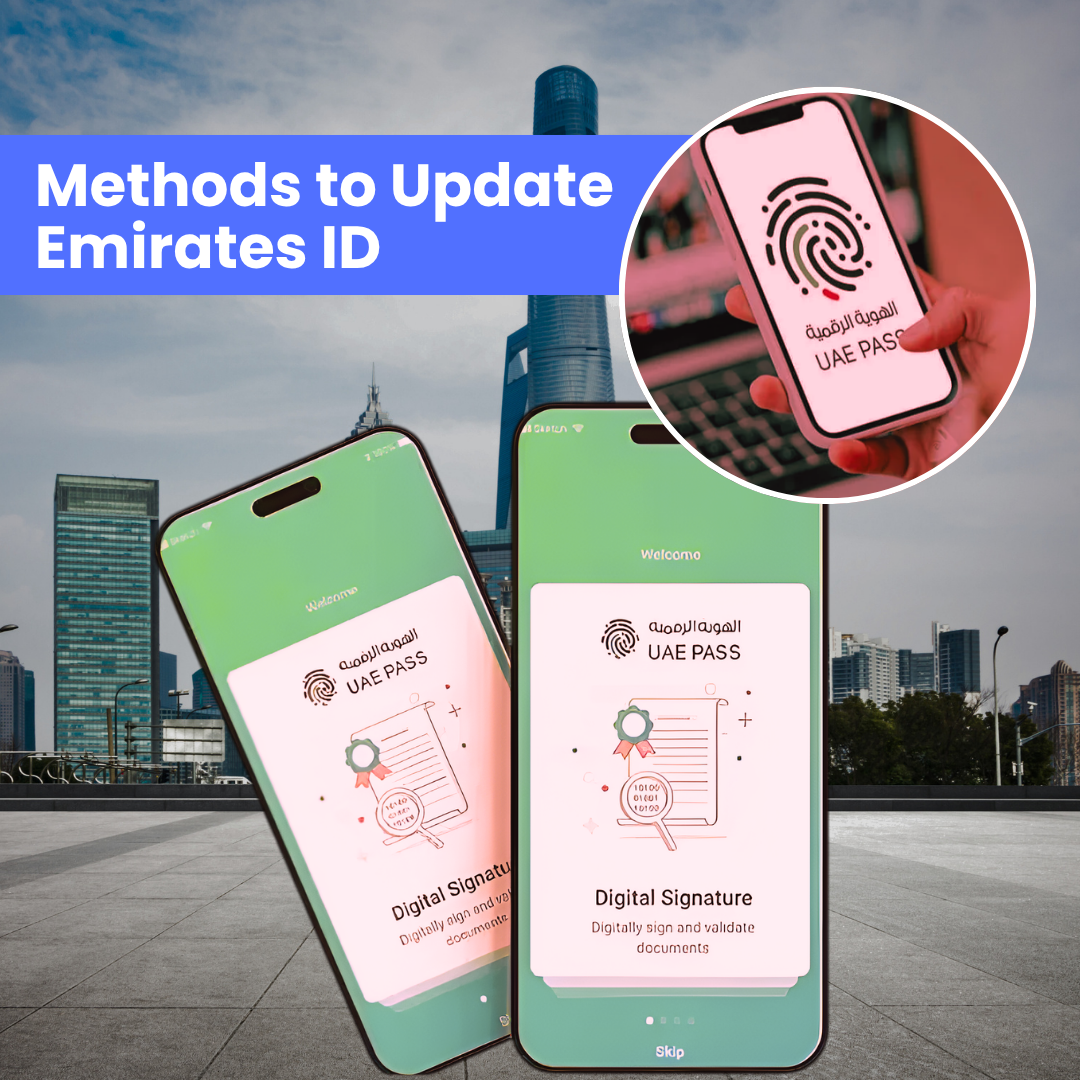
Once you know what needs updating, the next step is choosing the right method. The UAE system gives you multiple ways, so you can pick what fits your routine without wasting time.
Each method serves a different need. Some are quick for small updates, while others handle full detail changes.
1. Online via ICP Website or UAEICP App
This is the most direct and widely used method when people search for how to update Emirates ID.
- Log in using UAE Pass.
- Go to “Updating Services”.
- Enter your updated details and submit.
- Pay the required fee.
This works best for full updates, like a passport or job changes.
2. Through Bank Channels
Many banks in the UAE allow basic updates linked to your Emirates ID.
- Use ATM, mobile app, or online banking.
- Check under “Profile” or “Requests”.
- Update linked ID details.
This option is useful for keeping your banking records aligned after updates.
3. Via Telecom Apps (Du / Etisalat)
Telecom providers also allow Emirates ID updates for their services.
- Open Du or Etisalat app.
- Select the “Update ID” option.
- Authenticate using UAE Pass.
This ensures your mobile and SIM records stay accurate.
4. Using the UAE Pass App (Quick Sync Method)
This is the fastest option if your update is already approved.
- Open UAE Pass.
- Refresh your Emirates ID details.
- Sync updated information instantly.
It works well for quick verification across platforms.
Now that you know the different ways available, the next step is choosing one and following it correctly. Let’s break down how to update Emirates ID step by step using UAE Pass and ICP so you can complete the process without confusion or delays.
Step-by-Step: How to Update Emirates ID Without Confusion
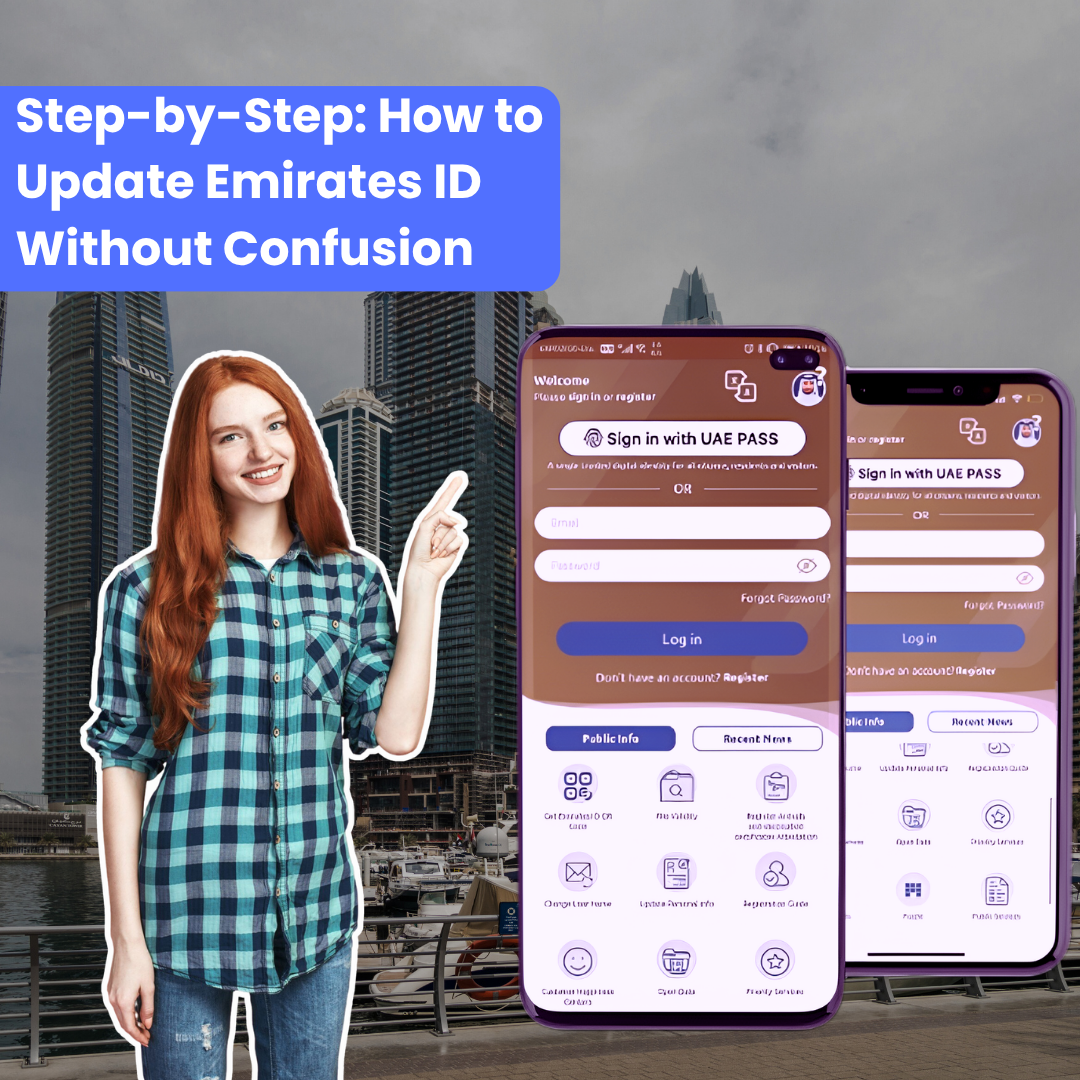
Now let’s break down the exact steps so you don’t miss anything.
A. Using the UAE Pass App
This method works when your updated details are already processed.
- Open the UAE Pass app.
- Log in securely.
- Go to the “Documents” section.
- Select your Emirates ID.
- Tap on Refresh or Update.
- Allow access and authenticate.
- Your updated details will reflect.
This is a quick sync, not a full update process.
B. Updating Emirates ID via ICP Website or App
This is the main method if you are starting from scratch.
- Visit the ICP website or the UAEICP app.
- Log in using UAE Pass.
- Click on “Start Services”.
- Search for “Updating Services”.
- Choose the type of update.
- Enter the correct and matching details.
- Pay the AED 200 fee.
- Track your request via SMS updates.
- Approved changes are reflected within 30 days.
This process covers most updates, including passport and job changes.
Quick Checklist Before You Submit
- Double-check all details before payment.
- Ensure documents match your passport and visa.
- Keep the UAE Pass active for smooth login.
These small checks reduce rejection chances and save time.
Now that you know how to update Emirates ID step by step, it’s equally important to understand the costs, timelines, and common mistakes that can delay your update.
Cost, Timelines & What People Often Miss
Before you proceed, it helps to know the cost and timing clearly.
- Cost: AED 200 total (AED 100 smart services, AED 50 processing, AED 50 federal fees)
- Timeline: Updates are reflect within 30 days after approval
Important: Updating is different from renewal. Update applies to detail changes, while renewal is for expired IDs.
Next, let’s look at common mistakes that delay approvals.
Common Mistakes That Can Delay Your Update
Small errors often slow the whole process.
- Submitting incorrect or incomplete documents.
- Mismatch with passport or visa details.
- Ignoring rejection messages.
- Reapplying without fixing errors.
Quick check: verify documents, match all records, and track status regularly.
Next, understand what happens if your application gets rejected.
What Happens if Your Application Gets Rejected?

Rejections usually happen due to incorrect or incomplete details.
- No refund for wrong submissions.
- Reasons shared within 30 days.
- After 3 failed attempts, the application gets blocked.
To avoid this: submit accurate documents, match all details, and review carefully before applying.
Expert tip: An updated Emirates ID ensures smooth insurance claims, policy approvals, and medical access. Wrong details can delay support when you need it most.
Conclusion
Keeping your Emirates ID updated is a simple step, but it makes a clear difference in how smoothly your daily tasks run. From banking and healthcare to insurance and official processes, accurate details help you avoid delays, repeated checks, and unnecessary stress.
As discussed, once you understand how to update Emirates ID, the process becomes straightforward. The right method, correct documents, and careful submission save both time and effort.
So, take a moment to review your details and update them if needed. Staying updated today keeps everything aligned and prevents bigger issues tomorrow.